
If you are a business owner, freelancer, shopkeeper, or GST-registered taxpayer, filing your GST return on time is essential to avoid penalties and maintain tax compliance. This guide explains the complete GST return filing process in simple English.
What is a GST Return?
A GST Return is a document that contains details of your:
- Sales (Outward Supplies)
- Purchases (Inward Supplies)
- GST Collected
- GST Paid
- Input Tax Credit (ITC)
- Tax Liability
Every registered GST taxpayer must file the applicable GST returns within the prescribed due dates.
Types of GST Returns
The most common GST returns include:
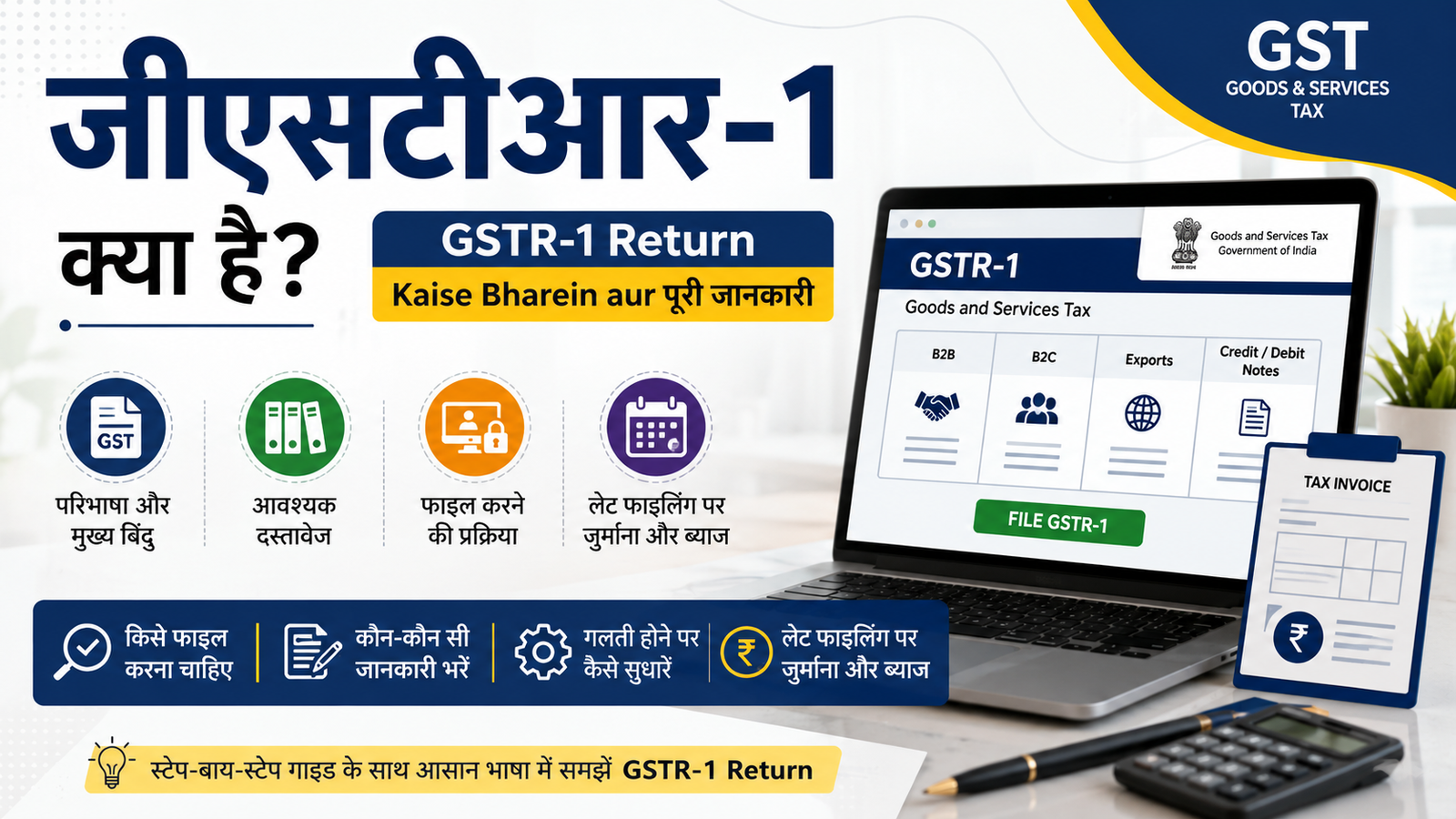
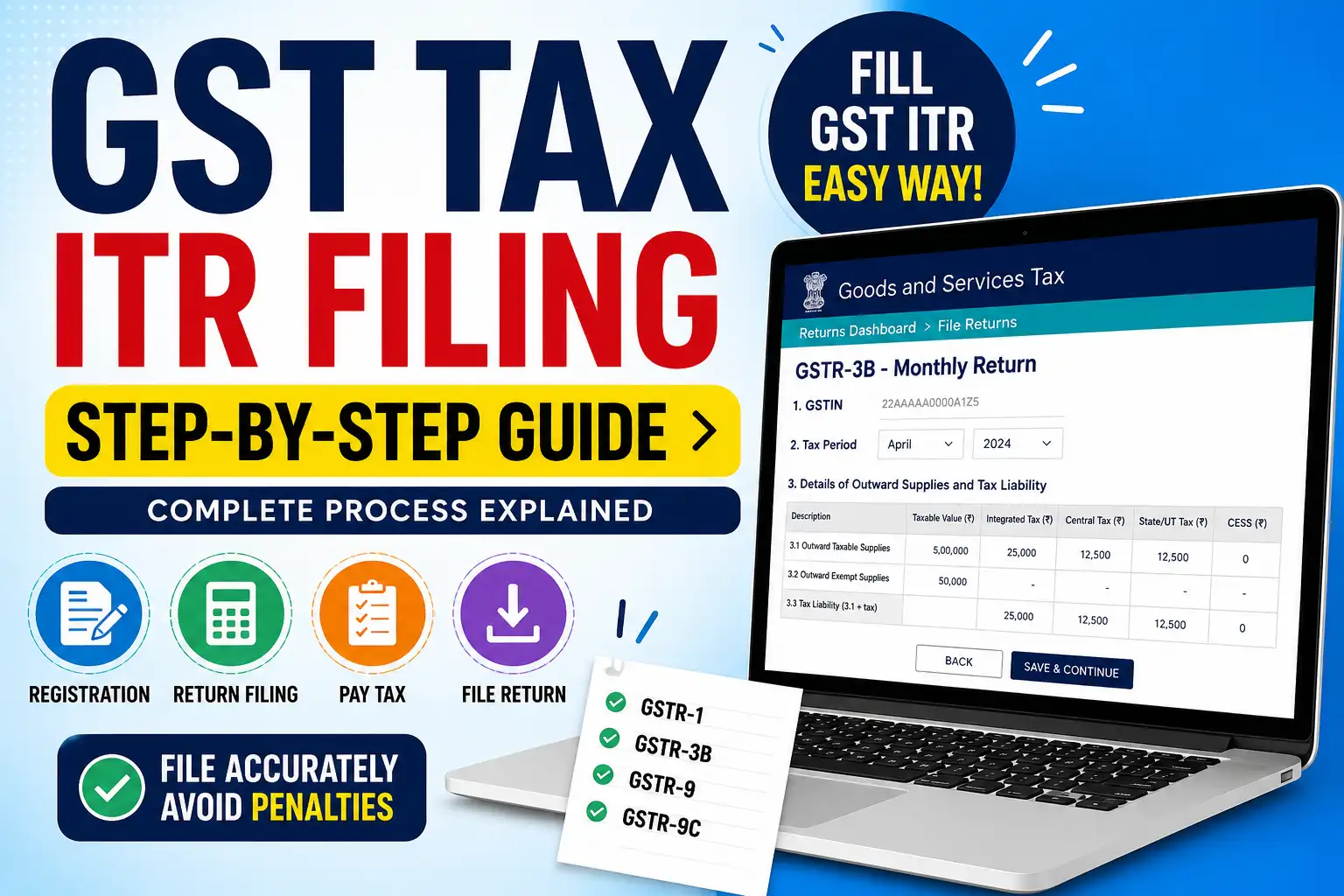
- GSTR-1 – Details of outward supplies (sales)
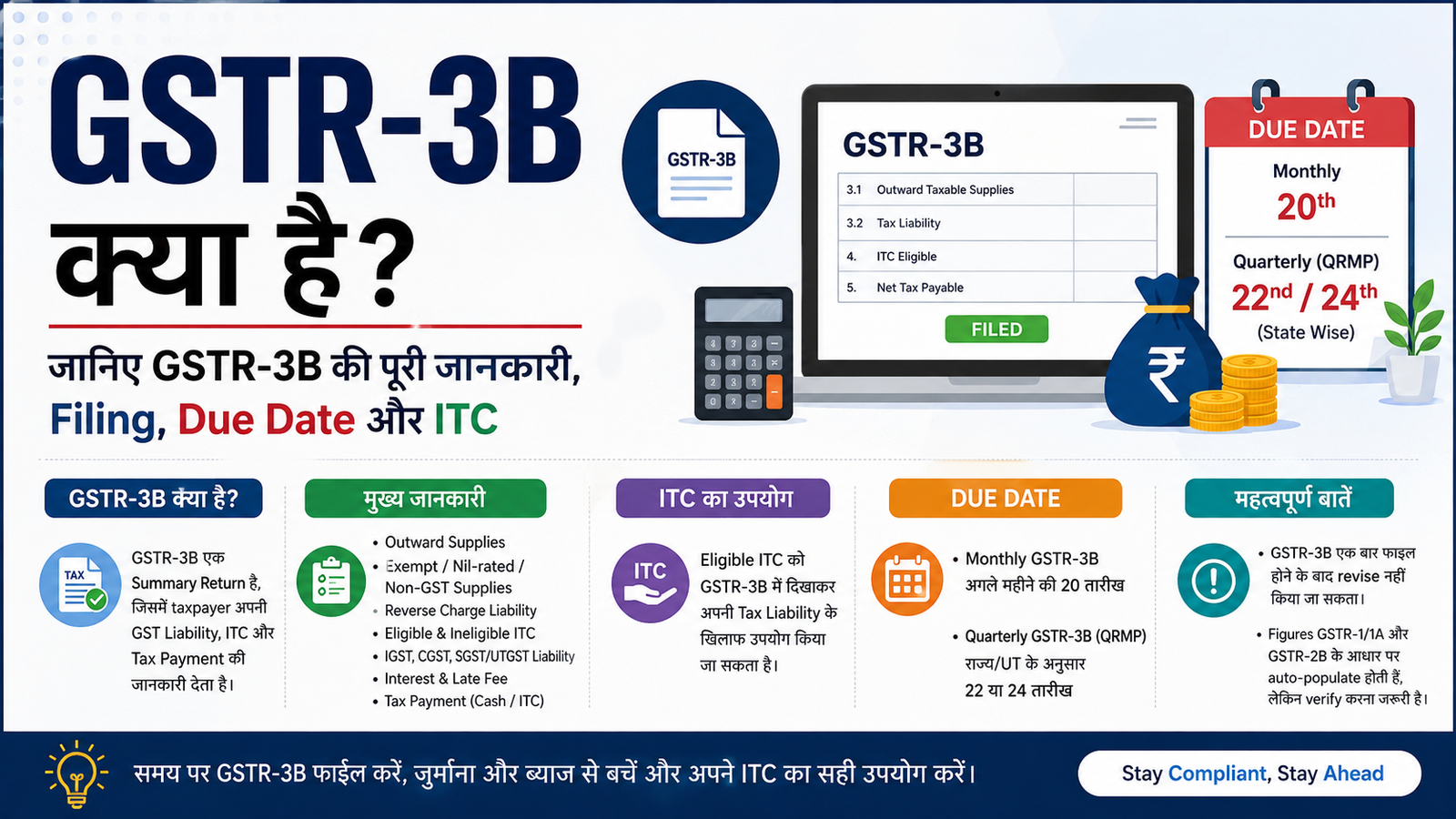
- GSTR-3B – Monthly/Quarterly summary return
- GSTR-9 – Annual Return
- GSTR-9C – Reconciliation Statement (where applicable)
The return you need to file depends on your business category and turnover.
Documents Required Before Filing GST Return
Keep the following details ready:
- GSTIN
- Sales invoices
- Purchase invoices
- Debit and Credit Notes
- Input Tax Credit details
- Bank details (if required)
- Tax payment details
- Previous GST return information
Step-by-Step Process to Fill GST Return Online
Step 1: Login to GST Portal
Visit the official GST Portal and log in using your:
- Username
- Password
- CAPTCHA
Step 2: Open Return Dashboard
Go to:
Services → Returns → Returns Dashboard
Select:
- Financial Year
- Return Filing Period
Click Search.
Step 3: Select the Return
Choose the applicable return such as:
- GSTR-1
- GSTR-3B
Click Prepare Online or upload data using GST software.
Step 4: Enter Sales Details
Fill information including:
- B2B Sales
- B2C Sales
- Export Sales
- Nil-rated supplies
- Exempt supplies
Verify all GSTINs carefully.
Step 5: Enter Purchase Details
Add:
- Purchase invoices
- Reverse Charge details
- Input Tax Credit
Match invoices with supplier data whenever possible.
Step 6: Verify Tax Liability
The portal automatically calculates:
- CGST
- SGST
- IGST
- Cess (if applicable)
Review all values before proceeding.
Step 7: Pay GST
If tax is payable:
- Create Challan
- Pay through:
- Net Banking
- UPI
- NEFT/RTGS
- Bank Counter (where available)
Wait until payment is successfully reflected.
Step 8: Submit Return
Click Submit after reviewing all information.
Once submitted, editing is generally not allowed for that return period.
Step 9: File Using EVC or DSC
Complete filing using:
- Electronic Verification Code (EVC)
- Digital Signature Certificate (DSC)
After successful filing, an Acknowledgement Reference Number (ARN) is generated.
Download and save the acknowledgement for future reference.
Common Mistakes to Avoid
- Incorrect GSTIN
- Wrong invoice values
- Missing purchase invoices
- Claiming incorrect Input Tax Credit
- Filing after the due date
- Forgetting to verify the return before submission
Benefits of Filing GST Returns on Time
- Avoid late fees
- Prevent interest charges
- Maintain GST compliance
- Easy ITC claim
- Better business credibility
- Smooth tax record
Frequently Asked Questions (FAQs)
Is GST Return the same as Income Tax Return (ITR)?
No. GST Returns and Income Tax Returns are different filings under different laws.
Can I file GST Return myself?
Yes. If you understand GST rules, you can file your return directly through the GST Portal.
What happens if I miss the GST due date?
Late filing may result in late fees, interest, and compliance issues.
Can GST Returns be revised?
GST Returns generally cannot be revised after filing. Any corrections are usually made in subsequent returns as permitted under GST rules.