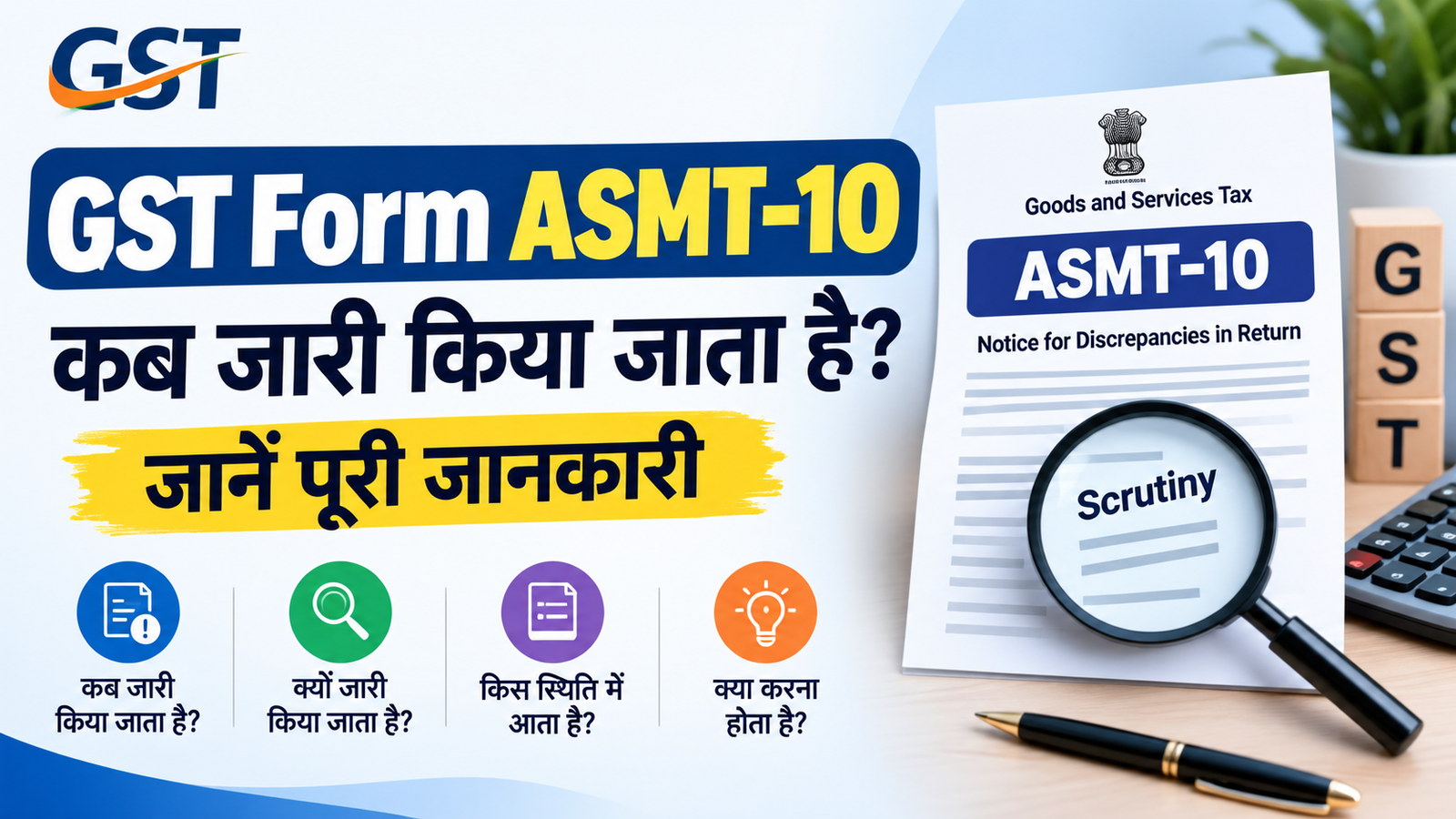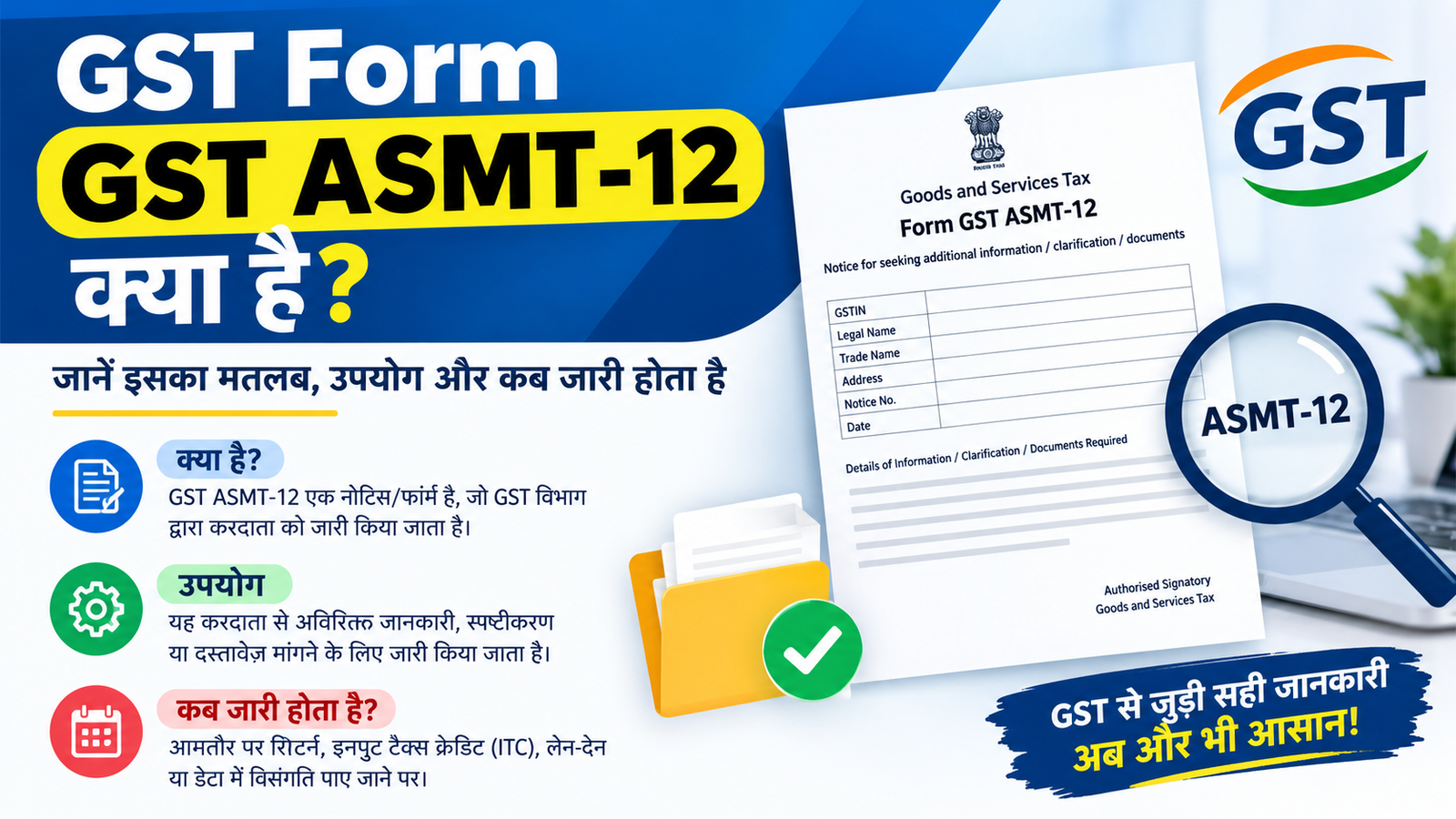

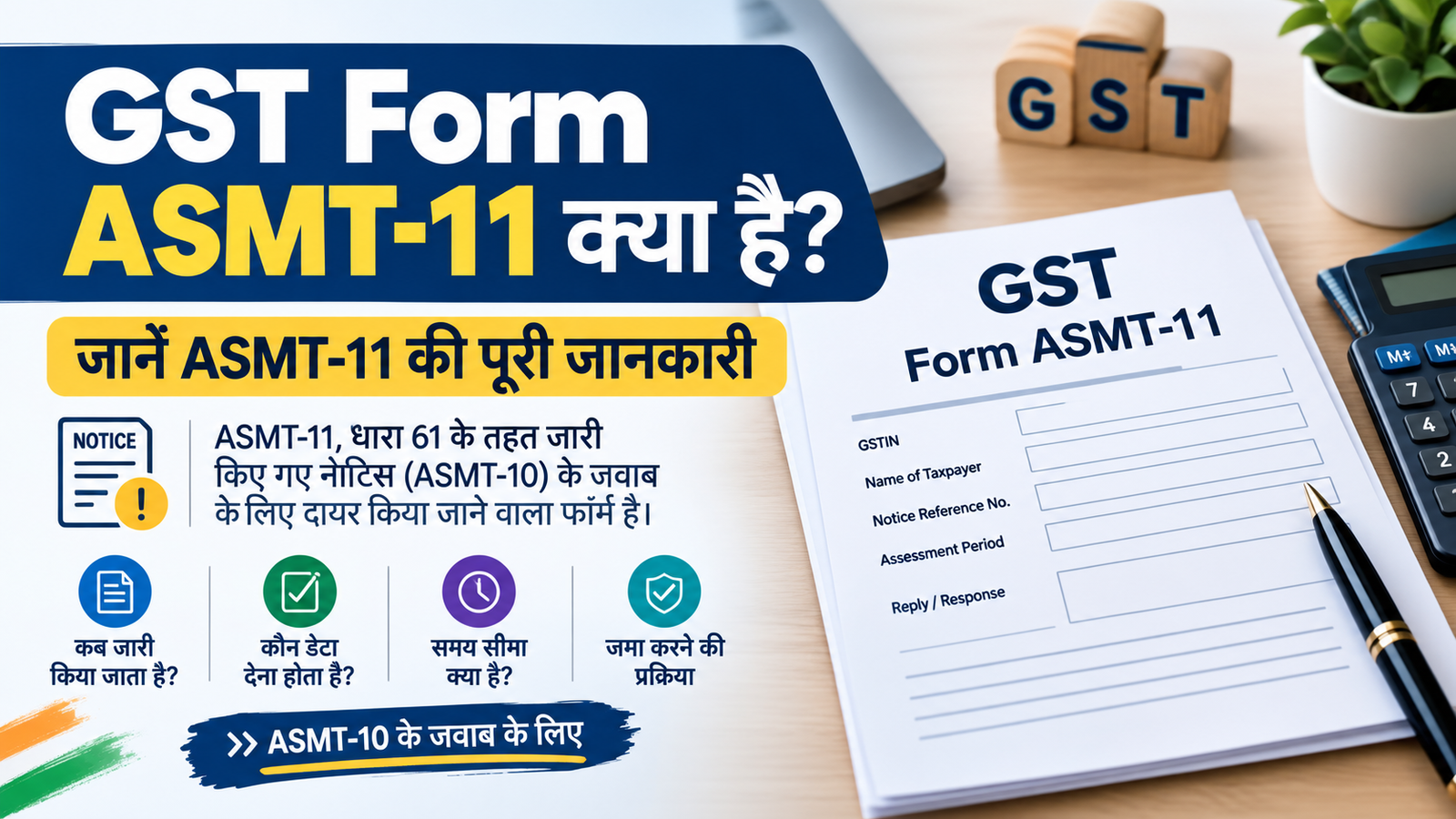
Form GST ASMT 11 is the form used by the tax payers to respond to the notice issued by the tax officer under Form GST ASMT 10. (जीएसटी (GST) में Form GST ASMT-11 वह फॉर्म है जिसका उपयोग करदाता (Taxpayer) Form GST ASMT-10 के तहत कर अधिकारी द्वारा भेजे गए नोटिस का जवाब देने के लिए करता है )
KEY POINTS RELATED TO ASMT- 11
- Time Limit :- The clarification or response in ASMT-11 is normally required to be filled within 30 ( Thirty ) days of receipt of notice.
समय सीमा: नोटिस मिलने के सामान्यतः 30 दिनों के भीतर ASMT-11 में स्पष्टीकरण या जवाब देना होता है। - When Its Issued :- When the error or discrepancy is found during the scrutiny of GSTR return such as ( GSTR 3B and GSTR -1 ) the authority issued a notice in GST Form -10 . then the tax payers file an ASMT-11 as response.
कब जारी होता है: जब जीएसटी रिटर्न (जैसे GSTR-3B और GSTR-1) की जांच (Scrutiny) के दौरान कोई गलती या अंतर (Discrepancy) मिलता है, तब अधिकारी ASMT-10 में नोटिस भेजते हैं। इसके जवाब में करदाता ASMT-11 भरता है )
How can I file reply in Form GST ASMT-11 to the notice issued against Scrutiny of Returns?
To file reply in Form GST ASMT-11 to the notice issued against Scrutiny of Returns, perform following steps:
- A. Navigate to View Additional Notices/Orders page to view Notices and Orders issued against you by Tax Official
- B. Take action using NOTICES tab of Case Details screen: View issued Notices
- C. Take action using REPLIES tab of Case Details screen: View/Add your reply to the issued Notice
- D. Take action using ORDERS tab of Case Details screen: View issued Order
रिटर्न की जांच के लिए जारी नोटिस के जवाब में मैं फॉर्म जीएसटी एएसएमटी-11 में जवाब कैसे दाखिल कर सकता हूं?
रिटर्न की जांच के लिए जारी नोटिस के जवाब में फॉर्म जीएसटी एएसएमटी-11 में उत्तर दाखिल करने के लिए, निम्नलिखित चरणों का पालन करें:
- ए. कर अधिकारी द्वारा आपके विरुद्ध जारी किए गए नोटिस और आदेश देखने के लिए अतिरिक्त नोटिस/आदेश देखें पृष्ठ पर जाएं।
- बी. केस विवरण स्क्रीन के नोटिस टैब का उपयोग करके कार्रवाई करें: जारी किए गए नोटिस देखें
- सी. केस विवरण स्क्रीन के ‘उत्तर’ टैब का उपयोग करके कार्रवाई करें: जारी किए गए नोटिस पर अपना उत्तर देखें/जोड़ें
- D. केस विवरण स्क्रीन के ORDERS टैब का उपयोग करके कार्रवाई करें: जारी किए गए आदेश देखें
Also Read:
- GSTR-3B क्या है? जानिए GSTR-3B की पूरी जानकारी, Filing, Due Date और ITC
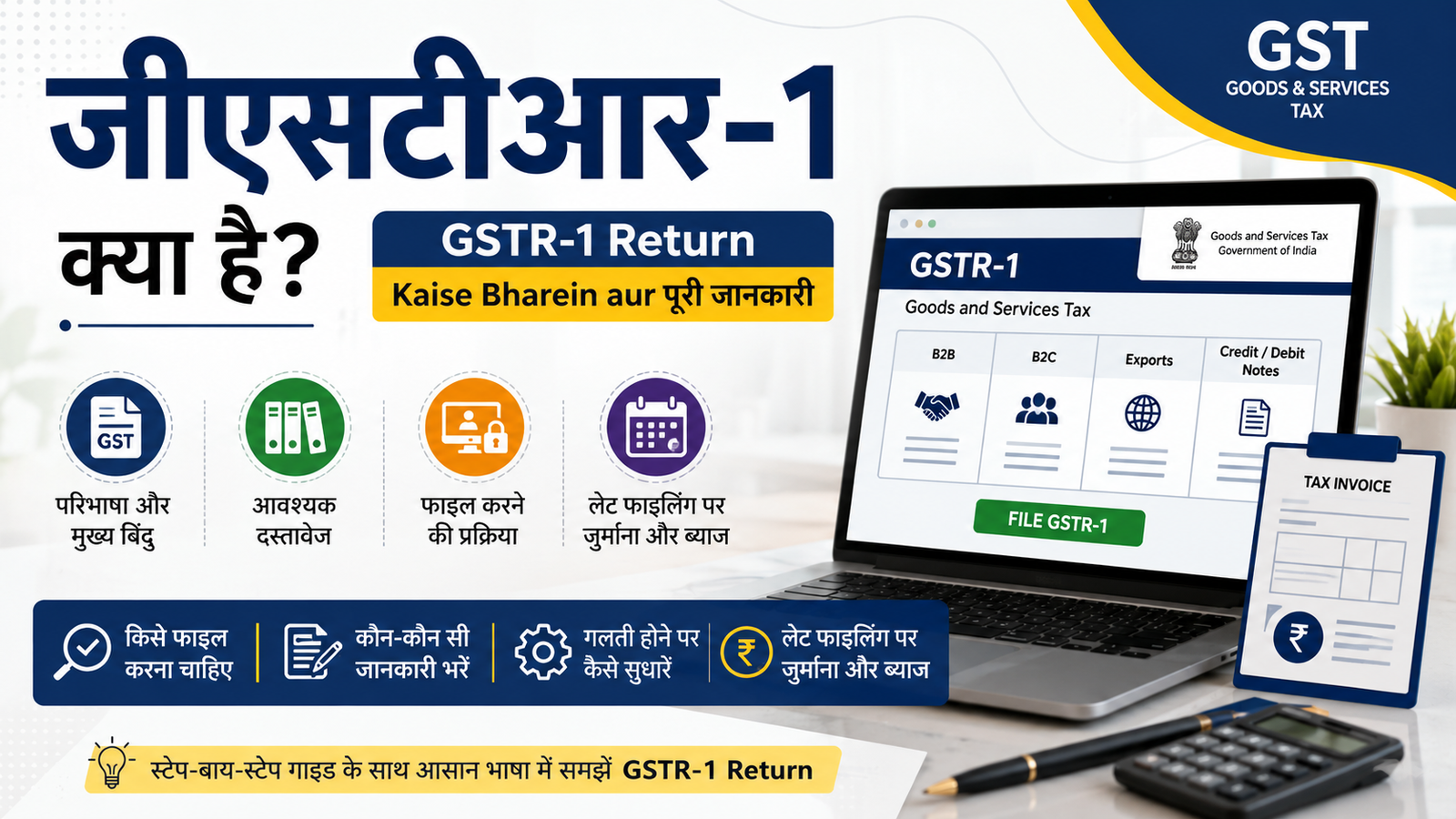
- जीएसटीआर-1 क्या है? | GSTR-1 Return Kaise Bharein aur पूरी जानकारी
- GST Form ASMT-10 कब जारी किया जाता है? जानें पूरी जानकारी